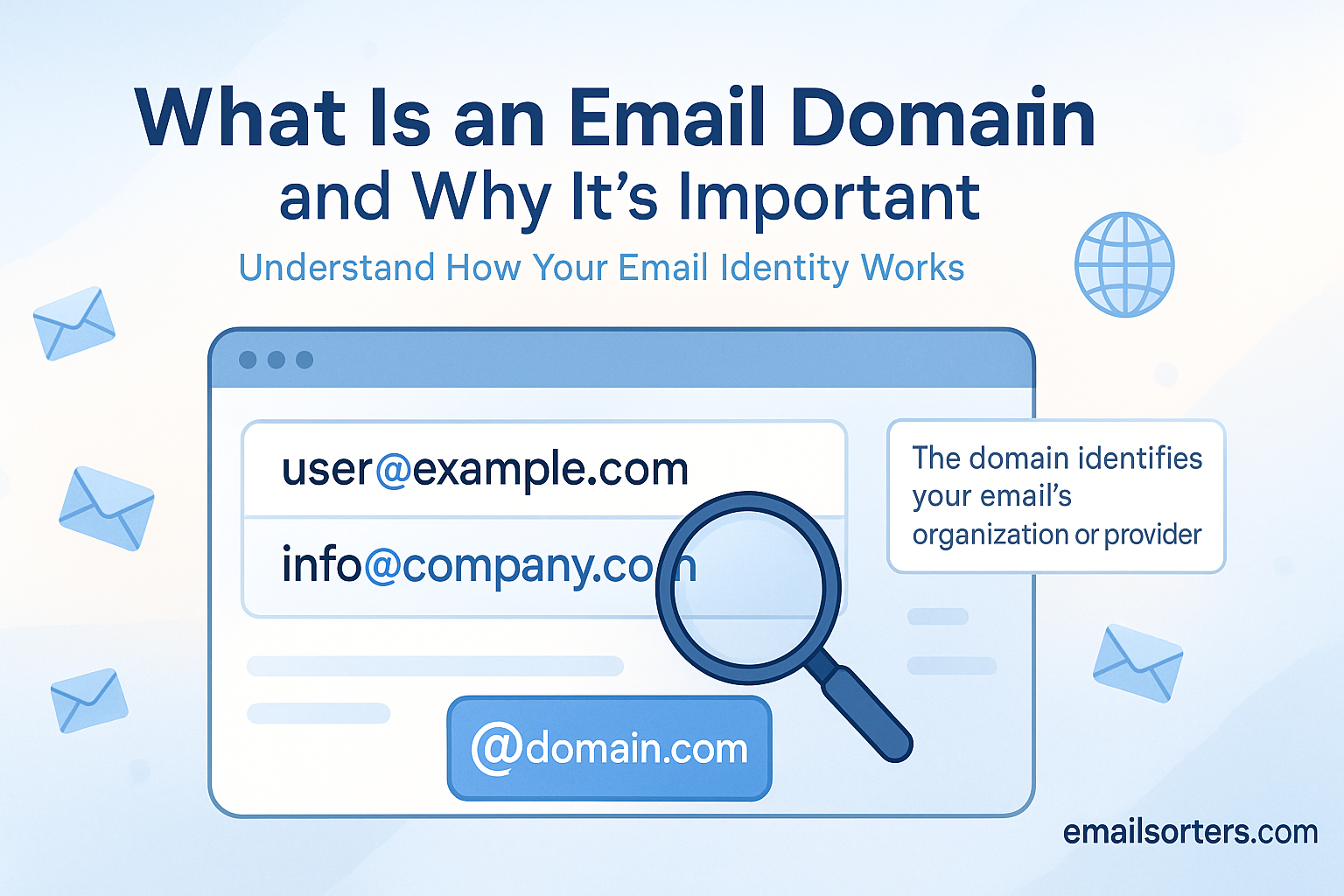
Understanding what is email domain is the first step toward building a professional digital identity. An email domain is the part of your address after the “@” symbol. It’s your permanent address on the internet. It tells the world who you are and who you represent.
Think about it. When you get a business card and the email is [email protected], it feels temporary. It feels unprofessional. But when you see [email protected], you feel trust. You see a legitimate business. That is the power of a custom email domain. It’s the difference between a digital hobby and a professional brand. This guide explains what an email domain is, why it is so critical, and how it actually works.
What Is an Email Domain?
An email domain is the part of an email address that comes after the “@” symbol. For example, in the address [email protected], the email domain is company.com. It identifies the specific mail server or organization responsible for hosting the email account.
Breaking Down an Email Address
An email address has two simple parts:
- The Local Part (Username): This is the part before the “@” symbol (e.g.,
hello). It identifies a specific person or mailbox within that domain. - The Domain (or Domain Name): This is the part after the “@” symbol (e.g.,
company.com). It points to the specific location on the internet where the email should be sent.
You can think of it like a physical mailing address:
- Username (
hello): This is the name of the person at the address. - Email Domain (
company.com): This is the street name and city. It’s the unique location where the person receives their mail.
When you create an email account, you are always joining a specific domain.
What Is the Difference Between a Free Domain and a Custom Domain?
A free email domain is a public one, like gmail.com or outlook.com, that anyone can use. A custom email domain is a private, branded domain, like @yourcompany.com, that you own. Custom domains build professional credibility and brand identity.
Most people start with a free email address. They are simple and cost-free. But for any professional use, a custom domain is essential. The choice you make sends a strong message to your recipients.
Here is a direct comparison:
| Feature | Free Domain (e.g., gmail.com) | Custom Domain (e.g., yourbrand.com) |
| Cost | Free | Paid (Requires domain + email hosting) |
| Professionalism | Low (Fine for personal use) | High (Standard for all businesses) |
| Branding | Promotes Google, Outlook, or Yahoo | Promotes your brand |
| Trust | Low (Often used by scammers) | High (Shows legitimacy and investment) |
| Control | None. You must follow the provider’s rules. | Full. You control the accounts and policies. |
| Address Choice | Limited (e.g., [email protected]) | Flexible (e.g., [email protected]) |
Using a free domain for your business is like running your company headquarters from a public park bench. It’s free, but it does not inspire confidence.
Why Is a Custom Email Domain So Important for a Business?
A custom email domain is critical for business because it builds professionalism and trust. When a customer receives an email from [email protected] instead of [email protected], it legitimizes your operation and reinforces your brand identity with every message.
Let’s explore the specific benefits.
1. It Establishes Professionalism and Credibility
This is the most important reason. When you communicate with clients, vendors, or partners, your email address is the first thing they see.
- Custom Domain:
[email protected] - Free Domain:
[email protected]
The custom domain shows you are a serious, established business. The free domain looks like a side-project or, worse, a potential scam. It signals that you have invested in your brand.
2. It Builds Your Brand
Your email domain is a marketing tool. Every time you send an email, you are promoting your brand name.
- When you email from
[email protected], you are reinforcingyourbrand.com. - The recipient knows exactly who you are and where to find you online.
- It creates a unified, professional image across your website, business cards, and digital communication.
3. It Creates Trust and Security
Customers are trained to spot phishing and spam. A major red flag is an email from a free address claiming to be a business.
- Reports show that a significant percentage of phishing attacks originate from free email accounts.
- A custom domain shows you are a verifiable entity.
- You also get more control over your own security, suchD as setting up rules for how your employees can use email.
4. You Have Full Control
When you use a free service, you are a guest on their platform. If you violate a (long and complex) terms of service agreement, your account can be shut down without notice.
With a custom domain, you own it. You control your data. You decide who gets an account. You set the rules for multiple accounts and what happens to inactive email accounts. If you want to change your email provider (e.g., move from Google to Microsoft), you can take your domain and all your email addresses with you.
5. It Improves Email Deliverability
Email providers are more likely to trust messages from a custom domain that has proper security records. Emails from yourbrand.com are less likely to be flagged as spam than messages from a generic gmail.com address, especially when sending in bulk. You are building your sender reputation, not borrowing Google’s.
How Does an Email Domain Work?
An email domain works by using the Domain Name System (DNS) to tell the internet where to send mail. When you send an email, the sender’s email server looks up the recipient’s email domain to find its MX record. This record points to the correct mail server.
It sounds complex, but it’s like a digital post office. For your email domain to work, it needs a few key “DNS records.” These are instructions stored on the internet that tell all other computers how to handle your domain.
For email, three records are the most important.
What Is an MX Record?
An MX (Mail Exchanger) record is the most critical DNS record for email. It specifies the mail server responsible for accepting emails on behalf of your domain. It tells the internet, “Send all mail for yourbrand.com to this specific server.”
When you sign up for an email host like Google Workspace, they will give you their MX records (e.g., aspmx.l.google.com). You add these records to your domain’s DNS settings. This action is what “connects” your domain name to your email inbox.
What Are SPF and DKIM Records?
SPF and DKIM are security records. They are essential for proving you are who you say you are, which stops your emails from going to spam.
- SPF (Sender Policy Framework): This is a public list of all the servers authorized to send email from your domain. It’s like a list of approved post office branches for your brand. If a server not on that list tries to send an email from your domain, a receiving server will see it as a fake.
- DKIM (DomainKeys Identified Mail): This adds a digital signature to every email you send. The receiving server can check this signature to verify that the emailis from you and was not tampered with in transit. It’s like an unbroken wax seal on a letter.
What is a DMARC Record?
DMARC (Domain-based Message Authentication, Reporting, and Conformance) is the third piece of the security puzzle. It’s a policy that tells receiving servers what to do if an email fails the SPF or DKIM checks. It says, “If you get a fake email from me, either mark it as junk or reject it completely.”
How Do You Get a Custom Email Domain?
To get a custom email domain, you must first purchase a domain name from a registrar (like GoDaddy or Namecheap). Then, you need an email hosting service (like Neo Mail, Google Workspace or Microsoft 365) to create mailboxes and manage your email.
Here is the step-by-step process:
- Choose Your Domain Name: This is the fun part. You need good email address ideas. Your domain should be short, memorable, and easy to spell. If yourbrand.com is taken, you might try yourbrand.co or a similar variation.
- Purchase Your Domain: Go to a domain registrar. You will pay an annual fee, usually between $10 and $20, to own the rights to that name.
- Choose an Email Host: The company you buy the domain from is not always the same company that will host your email. You need a dedicated email provider.
- Popular Hosts: Neo Mail, Google Workspace (uses the Gmail interface), Microsoft 365 (uses the Outlook interface), or Zoho Mail.
- What you’re buying: You are paying for the server space, security, and software to manage your mail. This is a monthly or annual subscription fee per user.
- Link Your Domain and Host (Set DNS Records): This is the most technical step. Your email host (Google, Microsoft) will provide you with a list of records (MX, SPF, DKIM). You must log in to your domain registrar (where you bought the name) and copy/paste these records into your DNS settings. Most providers have guides to walk you through this.
- Create Your Email Accounts: Once your DNS is set up, you can start creating your professional email addresses, like [email protected], [email protected], or [email protected]
What Are Some Best Practices for Creating and Managing Email Domains?
The best practices for managing an email domain focus on security and clarity. Use strong security protocols like SPF, DKIM, and DMARC. Create clear email addresses and use alias addresses for different functions (e.g., support@, sales@) instead of just one.
Here are more expert tips.
- Implement All Security Records: Do not skip SPF, DKIM, and DMARC. These are no longer optional. They are the single best way to ensure your emails are delivered and to prevent scammers from spoofing your domain.
- Use Role-Based Aliases: Don’t use your personal email (
your.name@) for everything. Create “role” accounts or aliases. These make your company look more organized and are easier to manage as your team grows. - Avoid No-Reply Email Addresses: Never send marketing or transactional emails from a
[email protected]address. It is a dead-end for customers. It shows you do not want to hear from them. Always use an address that is monitored. - Create a Catch-All (With Caution): A “catch-all” account will receive any email sent to a non-existent address at your domain (e.g.,
[email protected]). This can be good for catching misspelled emails, but it also attracts a massive amount of spam. It is usually better to avoid it. - Monitor Your Sender Reputation: Services like Sender Score or Google Postmaster Tools can help you monitor your domain’s health. If your emails start going to spam, you can see why.
What Are Common Problems Related to Email Domains?
The most common problems are poor deliverability and landing in the spam folder. This is often caused by a bad sender reputation, missing SPF/DKIM records, or being blacklisted. Misconfigured MX records will cause you to stop receiving mail entirely.
- Emails Go to Spam: This is the top problem. It is almost always a security record issue. You are missing SPF or DKIM, or your DMARC policy is misconfigured.
- Receiving Mailer-Daemon Bounces: This is an automated message from a mail server telling you your email failed. Read the message. It usually explains why (e.g., “Address does not exist,” “Mailbox full,” or “Message rejected as spam”).
- Domain Spoofing: Scammers are sending emails that look like they are from you. This is dangerous for your brand. A proper DMARC policy is the only way to stop this.
- Getting Blacklisted: If you send too many emails that users mark as spam, your entire domain can be put on a public “blacklist.” This will block your emails from being delivered to most major providers.
- “I’m Not Receiving Any Email!”: This is a panic-inducing problem. 99% of the time, it means your MX records are wrong or have been accidentally deleted. This is the first place you should look.
How Does an Email Domain Relate to Everyday Email Use?
Your email domain is the foundation for all your email activity. It determines who you send from (your brand) and gives you a platform to manage different email addresses for various needs.
Once your domain is set up, you can:
- Manage Multiple Accounts: You can have
info@,support@, andcontact@all funneling into one inbox or going to different people. - Create Specialized Accounts: You can set up a family email account on a custom domain (
@thesmithfamily.com). You can create safe, monitored email for children or dedicated student email addresses. - Configure Your Devices: You will use your domain’s server settings to set up email on your iPhone or any other client.
- Organize Your Workflow: A custom domain is the base for configuring email folders, saving email drafts, and using features like CC and BCC in a professional context.
- Set Security Policies: You control your own security, such as forcing an automatic logout after a period of inactivity.
For a deeper dive into the origins of the protocols that run email, you can explore the history of email and its technical standards.
Your Email Domain Is Your Digital Identity
Your email domain is far more than a technical detail. It is your nameplate. It is your business card. It is the first signal of trust you send to a new client or customer.
While a free email address is fine for personal chats, a custom domain is a non-negotiable part of a professional operation. It gives you credibility, authority, and control over your brand’s identity. Investing in a custom domain is one of the smallest, most powerful investments you can make in your business.


