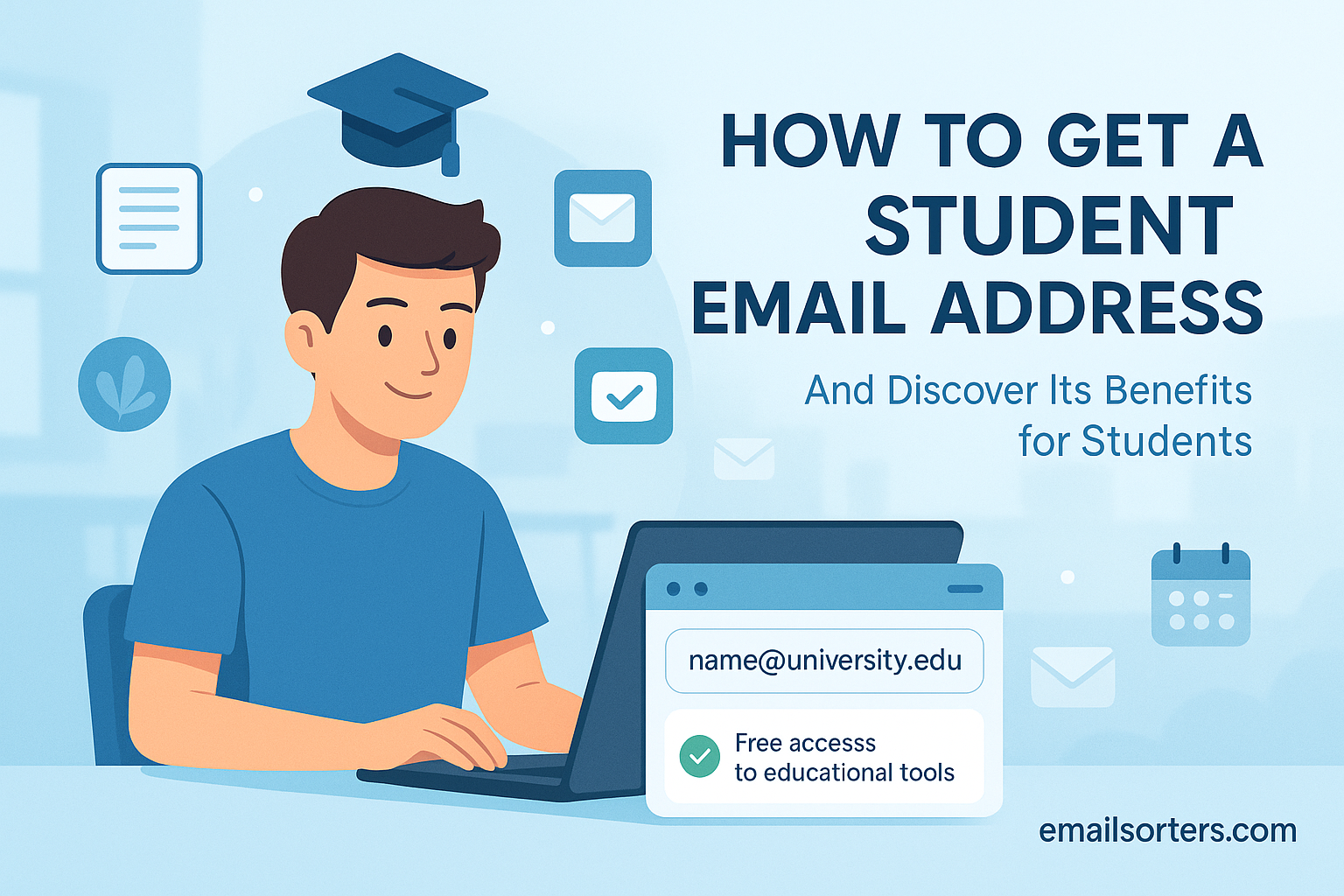
A student email is one of the most valuable things you can have during your academic life. It is more than just an inbox for course announcements. It is a digital key that unlocks a world of free software, massive discounts, and professional tools that can save you thousands of dollars.
Most students just see it as another login to remember. They are missing the point. That .edu address is a verification tool. It proves to companies like Amazon, Spotify, and Microsoft that you are an active student. In return, they offer their best products for free or next to nothing.
This guide explains what a student email is, the incredible benefits you get with one, and the step-by-step process of how to get and manage it.
What Is a Student Email Address?
A student email is an official email address provided by an educational institution, such as a college, university, or high school. It typically ends in a special email domain, like .edu (in the United States) or .ac.uk (in the United Kingdom), which verifies your status as a student.
How Is a Student Email Different from a Personal Email?
While a personal email (like [email protected]) identifies you as an individual, a student email ([email protected]) identifies you as a member of a specific institution. This distinction is everything.
- Personal Email: You create this email account yourself. You choose the provider. You own the data.
- Student Email: This account is issued to you by your school. The school owns the account and the platform. You are just a user.
Most schools do not build their own email systems. They pay for a professional service. This means your “student email” is almost always one of two things in disguise:
- A Google Account: Your school uses Google Workspace (formerly G Suite). Your inbox is a Gmail account, and you get Google Drive, Docs, and Calendar.
- A Microsoft Account: Your school uses Microsoft 365. Your inbox is an Outlook account, and you get OneDrive, Word, Excel, and PowerPoint.
This is important because it means you get all the features of a premium account, paid for by your school. It is not some basic, limited inbox. It’s a professional-grade tool. For more on the basic structure, see this guide to email addresses.
Why Is a Student Email So Valuable? (The Top Benefits)
A student’s email is valuable because it acts as a digital ID. It unlocks thousands of dollars in discounts and free access to premium software, streaming services, news subscriptions, and retail offers that are exclusively available to students.
The real value is not just the inbox. It is the .edu domain that services use for verification. Let’s dig into the specific perks you can get. This is the fun part.
What Are the Best Software Discounts with a Student Email?
Students get massive software discounts. This includes free access to Microsoft Office 365, the full GitHub Student Developer Pack (with hosting), and significant price cuts on professional tools like Adobe Creative Cloud and various coding platforms.
- Microsoft Office 365: Most schools give you this for free. This means you get the full, installable versions of Word, Excel, PowerPoint, and OneNote for your computer. That is a $100/year value, gone.
- Adobe Creative Cloud: This is the big one for design, film, and art students. The full “All Apps” plan (Photoshop, Illustrator, Premiere Pro, etc.) is typically discounted by over 60%.
- GitHub Student Developer Pack: This is a goldmine for an aspiring developer. It is a bundle of free tools, including:
- Free professional IDEs (programming editors).
- Free cloud hosting credits (from Microsoft Azure, AWS, etc.).
- Free domain names.
- Autodesk: Students get free one-year educational access to professional 3D-modeling software like AutoCAD, Maya, and 3ds Max.
- Evernote: A 50% discount on the premium version for organizing your notes.
Can You Get Free Streaming and Entertainment?
Yes, a student email unlocks major entertainment discounts. This includes nearly 50% off Spotify Premium (which often bundles Hulu or Showtime), a discounted Amazon Prime Student membership, and cheaper subscriptions to news outlets like The New York Times.
Here are the most popular deals:
| Service | Student Offer | Why It’s Great |
| Amazon Prime Student | 6-month free trial, then 50% off Prime. | You get all the Prime benefits (fast shipping, Prime Video) for half the price. |
| Spotify Premium | 50% off. Often bundled with Hulu. | This is one of the most popular student perks. |
| Apple Music | Discounted monthly rate. | If you are in the Apple ecosystem, it’s a must-have. |
| The New York Times | Deeply discounted digital subscription. | Access to high-quality news for pennies on the dollar. |
| The Wall Street Journal | Special student rates for digital access. | Essential for business and finance majors. |
What Retail and Food Discounts Can I Get?
Many retailers offer 10-25% student discounts online by verifying your .edu email. This includes popular clothing brands, electronics stores (like Apple and Dell), and even some local restaurants or food delivery services that partner with verification apps.
- UNiDAYS & Student Beans: These are the two biggest verification platforms. You sign up with your student email, and they unlock a portal of hundreds of discounts.
- Electronics: Apple offers education pricing on Macs and iPads. Dell and HP have dedicated “student” stores with special pricing.
- Clothing: Brands like ASOS, J.Crew, and H&M often offer a 10-15% discount after you verify your student status.
- Insurance: Many car insurance companies (like Geico, State Farm) offer “good student” discounts, and your
.eduemail is part of proving your enrollment.
How Do I Get a Student Email Address? (Step-by-Step)
The most common way to get a student email is to enroll in an eligible school. You must be an active student at a college, university, or community college. The school will automatically issue you an account after you register for classes.
Unlike personal accounts, you do not “create” a student email. It is assigned to you.
Step 1: Enroll in an Eligible Institution
This is the non-negotiable step. You must be a registered, dues-paying student at an accredited institution. This includes:
- Four-year universities
- Community colleges
- Some accredited online-only colleges
- Some trade schools and high schools
If you are not enrolled, you cannot get a legitimate student email.
Step 2: Complete Your Registration
You will not get your email just for applying. You must be fully registered. This usually means you have:
- Been accepted.
- Paid your deposit or first tuition bill.
- Signed up for your first semester of classes.
Step 3: Check Your School’s “New Student” Portal
Your school’s IT (Information Technology) department is responsible for issuing your account. You will find your login information in your “New Student” welcome packet. This is almost always an online portal.
The school will tell you two things:
- Your Email Address: This is usually a non-negotiable format, like
[first_initial][last_name][number]@[school.edu]. (e.g.,[email protected]). This is not the time for fun email address ideas; you get what you’re given. - Your Temporary Password: A random string of letters and numbers.
Step 4: Activate Your Account and Set a Password
Your first task is to log in to the account and change the password.
- Go to your school’s main portal (often called “MyCollege” or “Blackboard”).
- Find the “Email” or “IT” section.
- Log in with the temporary credentials.
- You will be forced to create a new, secure password.
- Set up 2-Factor Authentication (2FA). Do not skip this. It adds a layer of security to your account.
Once you have done this, the account is yours to use.
Can I Get a Student Email Without Being a Student?
No, you cannot legitimately get a student email without being enrolled in school. Services require verification. Any website offering to “sell” you a .edu address is a scam, and using one can be a form of fraud or a violation of terms of service.
Let’s be very clear about this, as it’s a common question.
- The “Buy a .edu” Scam: You will see websites selling
.eduemail addresses for $10. These are almost always stolen or created through a security loophole. The school will discover and delete these inactive email accounts quickly, and you will lose your money. - It’s Unethical: These discounts are offered by companies to help actual students. Using one when you are not a student is, frankly, stealing.
- Verification Is Stronger: Most major services (like Spotify) no longer check your email. They use verification platforms like SheerID or UNiDAYS, which require you to upload a transcript or class schedule. The
.eduemail is just the first step.
The simple answer is no. The only way to get the benefits is to be a student.
How Do I Manage My Student Email Effectively?
Manage your student email by treating it as a professional account. Use folders and labels to organize classes and official communication. Set up forwarding to your personal inbox (if allowed) so you never miss an important deadline from a professor.
This account will be a firehose of information. You will get 20 emails a day from:
- Professors
- The financial aid office
- The housing department
- Club mailing lists
- “Student Life” announcements
Without a system, you will miss something important.
Should I Use My Student Email for Personal Things?
No, you should not use your student email for personal business. The school’s IT department has the right to access your inbox. Use it only for school-related communication and for signing up for student discounts.
This is the most important rule. This email is not private.
Your school’s IT administrator can read your email. It is rare, but they have the technical and legal ability to do so. It is their platform. Do not use this account for personal banking, private letters, or anything you would not want your boss to see. This is a very different concept from the early days of email (see the fiftieth anniversary of email).
Always have different email addresses for different parts of your life. This is your “Academic” life.
How to Organize Your Student Inbox
Organize your student inbox by creating a folder for each class (e.g., “ENG-101,” “BIO-205”). Use filters to automatically route messages from your professors or the class mailing list into these folders, keeping your main inbox clean.
This is a pro-tip that will save your sanity.
- Create Folders/Labels: Before day one, configure email folders (or labels in Gmail) for each class.
[FIN-AID][HOUSING][PSY-101][CHEM-220]
- Set Up Filters: Create rules.
- Rule 1: IF an email comes from
[email protected]THEN Apply label[CHEM-220]and “Star” it. - Rule 2: IF an email has the words
[PSY-101-MAILING-LIST]in the subject, THEN Apply label[PSY-101]and “Skip the Inbox.”
- Rule 1: IF an email comes from
- Use Alias Addresses (If you have Gmail): If your email is
[email protected], you can sign up for things using[email protected]or[email protected]. These all go to your inbox but are easy to filter.
How Do I Set Up My Student Email on My Phone?
You can set up your student email on your phone by adding it as a “Google” or “Microsoft” account in your phone’s settings. You will use your full student email address and password. Check your school’s IT website for specific email server settings if needed.
This is usually simple.
- On an iPhone: Go to Settings > Mail > Accounts > Add Account. Then choose “Google” or “Microsoft Exchange.”
- On Android: Go to Settings > Passwords & accounts > Add account. Choose “Google” or “Outlook.”
Follow the guide on how to set up email on iPhone for a general overview.
Heads Up: Your school may require you to install a “security profile.” This allows them to remotely wipe the school data from your phone if it’s lost. This is normal.
How to Write a Professional Email to a Professor
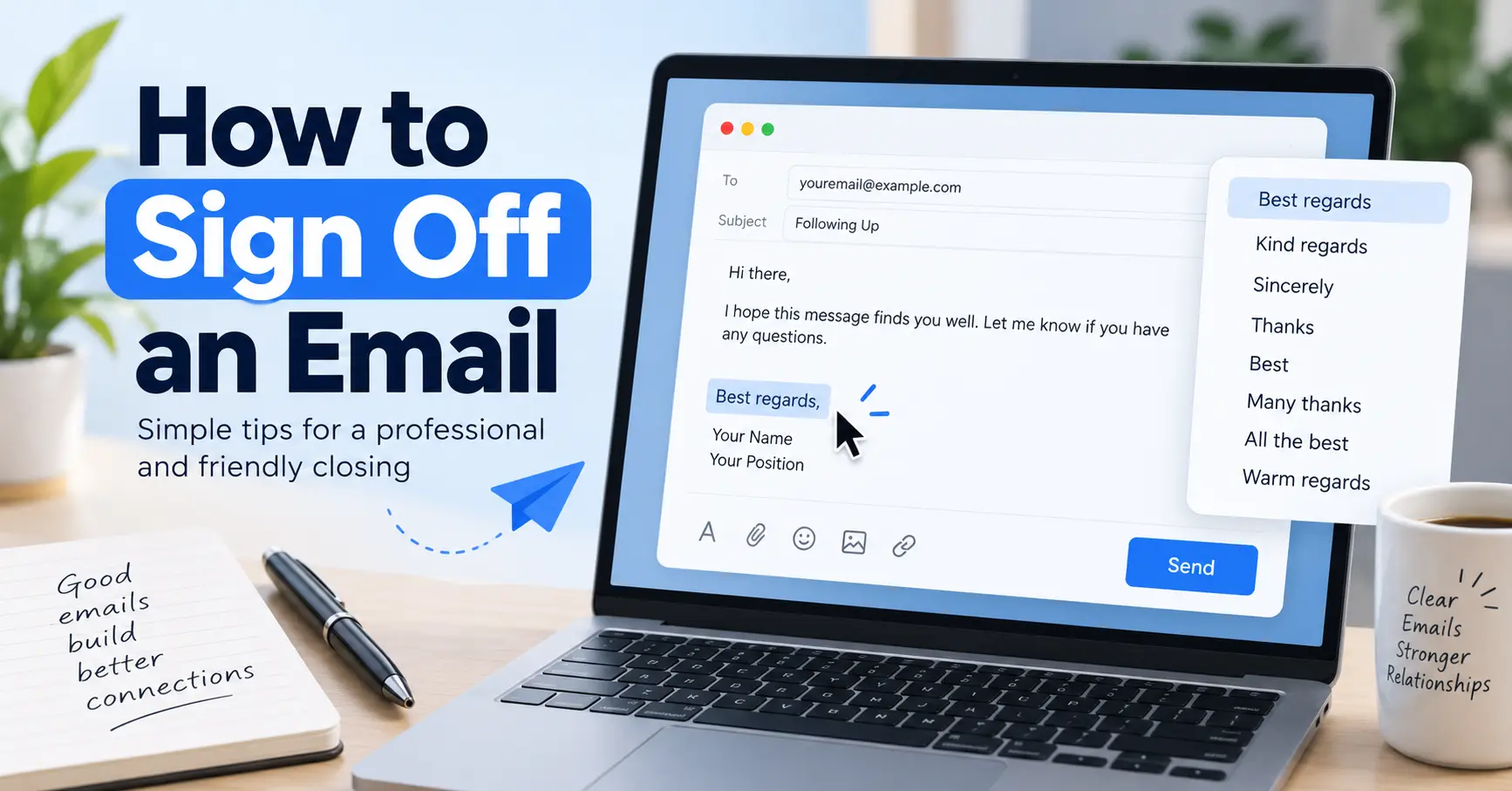
When emailing a professor, be professional. Use a clear subject line (e.g., “Question about [Class] – [Your Name]”). Address them as “Professor [Name],” state your question clearly, and sign off with “Thank you” and your full name.
Never email a professor like you are texting a friend.
Here is a perfect email template:
Subject:
[COURSE CODE] - Question about [TOPIC]Body:
Dear Professor [Name],
My name is [Your Name], and I am in your [Class Name] (Section X) on [Days of Week].
I have a question about the assignment due [Date]. I have checked the syllabus and the online portal, but I am still unclear on [specific question].
Could you please clarify [specific point]?
Thank you for your time,[Your Full Name]
[Your Student ID]
Pro-Tips:
- Do: Use email drafts. If you are angry, write it, save it, and read it an hour later.
- Do: Check the syllabus first. 90% of questions are answered there.
- Don’t: Use
HeyorYo. - Don’t: CC and BCC the entire class or the Dean.
- Don’t: Email from a
what-is-no-reply-emailaddress. Use your student account.
What Happens to My Student Email When I Graduate?
When you graduate, your student email will be deactivated. Most schools have a grace period (e.g., 6-12 months). After that, the account and all its data (including your emails and cloud storage) will be permanently deleted.
Your student email is temporary. The day you graduate, a countdown clock starts. And when it hits zero, everything is gone.
- All your emails from four years of school.
- All your essays, projects, and personal files in Google Drive or OneDrive.
- Your access to all the services you signed up for.
I have seen this devastate graduates. They lose years of work. You must have a “digital exit plan.”
How to Prepare for Graduation (Your “Digital Exit Plan”)
Before graduating, create a “digital exit plan.” Forward critical emails to a new personal account. Download all your files from Google Drive or OneDrive. Update any external accounts (like Spotify) with a new, permanent email address.
Do this in the last month of your final semester.
- Get a New Personal Account: This will be your “adult” email.
- Export Your Data:
- For Google: Use Google Takeout. This will let you download everything (Mail, Drive, Photos, etc.) in a single .zip file.
- For Microsoft: Log in to OneDrive and download your files.
- Forward Key Emails: Forward any critical emails (job offers, contacts) to your new personal account.
- Update Your Logins: This is the big one. Go to Spotify, Amazon, The New York Times, and every other service. Go to your account settings and change the email address from your
.eduto your new personal one. Use a password manager to track this. - Tell People: Email your key contacts (professors, friends) and let them know your new, permanent email.
- Manage Multiple Accounts: Be prepared to juggle your old student account and your new personal one for the 6-12 month grace period.
What Is an Alumni Email Address?
An alumni email is an address (e.g., [email protected]) that some schools provide to graduates. It provides a permanent, professional address but typically does not provide access to student discounts, free software, or cloud storage.
Do not be fooled. An alumni.edu address is not a student.edu address. Verification services like UNiDAYS know the difference. This account will not get you student discounts. It is a nice perk for networking, but its benefits are different.
Your Student Email Is a Temporary Superpower
Think of your student email as a temporary superpower. For 4-6 years, you have a key that unlocks incredible value. Use it for all the software, streaming, and retail discounts.
But also treat it with respect. It is your professional identity in your academic world. It is the tool you will use to communicate with professors and future employers. Use it to build good habits: keep it organized, communicate professionally, and understand its limitations.
And most ofall, remember to have an exit plan. That key will expire, but if you are smart, you can take all the value with you.