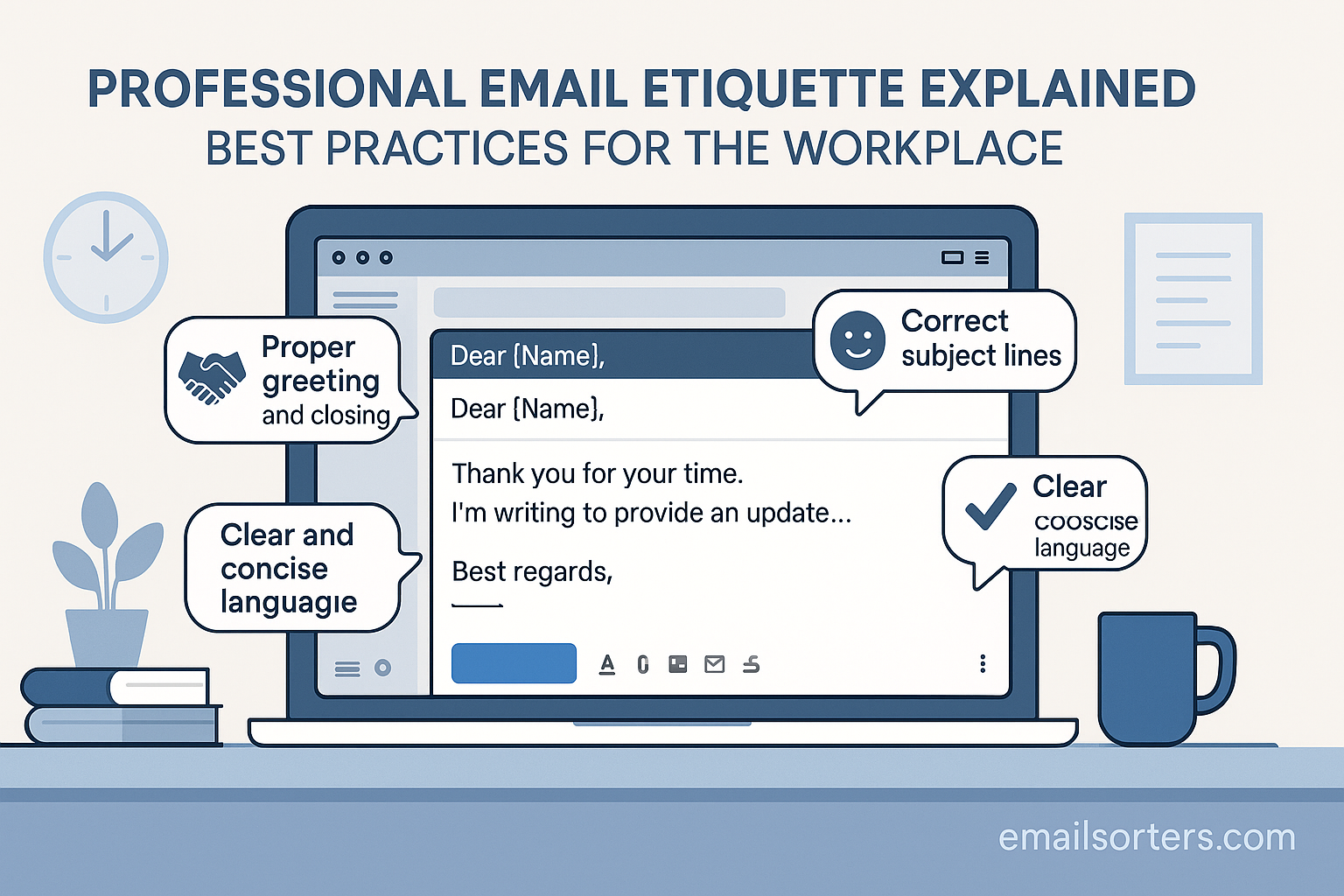
Email remains the cornerstone of workplace communication, even in an era of instant messaging and collaboration platforms. In 2025, how you write and respond to emails is as important as the message itself. A well-structured and respectful email shows professionalism, builds trust, and ensures clarity, while a poorly written one can create confusion, delay projects, or damage your reputation.
This guide explains the best practices of professional email etiquette, from subject lines to sign-offs, helping you send emails that are clear, polite, and effective.
Why Email Etiquette Matters in 2025
Even though messaging tools like Slack and Microsoft Teams are common, email continues to be the most formal and widely accepted channel for business communication. The way you write an email can impact relationships, productivity, and even career growth.
The Role of Email in Modern Business Communication
From job applications to client negotiations, email serves as the official record of communication in many organizations. Unlike casual chat platforms, emails often become part of permanent documentation, making professionalism crucial.
First Impressions Through Digital Communication
For many professionals, your email is the first impression you make. A thoughtful and clear email can establish credibility instantly, while a poorly written one may leave doubts about your professionalism.
Avoiding Miscommunication and Mistakes
Emails with vague wording, missing details, or rushed tone can easily lead to misunderstandings. Practicing proper etiquette ensures messages are interpreted correctly the first time, saving both you and the recipient valuable time.
The Core Principles of Professional Email Etiquette
Strong email etiquette isn’t complicated, it’s about following a few key principles that apply across industries and roles.
Clarity and Brevity in Communication
People receive dozens of emails daily. A professional email should deliver its message quickly and clearly. Avoid long-winded explanations; stick to the essentials.
Respectful Tone and Language
Politeness is non-negotiable. Simple phrases like “Thank you for your time” or “I appreciate your help” go a long way in showing respect.
Timely Responses
Even if you can’t provide a full answer right away, acknowledging receipt within 24–48 hours shows reliability and keeps communication flowing smoothly.
Structuring a Professional Email
A professional email follows a predictable, easy-to-read structure that ensures no important details are overlooked.
Writing an Effective Subject Line
The subject line should summarize the purpose of the email in a few words. For example:
- “Meeting Request: Project Timeline Discussion”
- “Follow-Up: Marketing Strategy Proposal”
Choosing the Right Greeting
Use the recipient’s name whenever possible. Formal options like “Dear Ms. Johnson” work for clients or superiors, while “Hello James” or “Hi Sarah” may suit colleagues you know well.
Organizing the Body of the Email
Keep paragraphs short and focused. Start with the purpose, provide supporting details, and end with a clear call-to-action or next step.
Using Professional Closings and Signatures
Sign-offs like “Best regards,” “Kind regards,” or “Sincerely” maintain professionalism. Always include a signature with your name, title, and contact information.
Best Practices for Writing Professional Emails
Even with a clear structure, certain habits can elevate your email writing.
Keeping Messages Concise
Respect the recipient’s time by sticking to essential points. If you have multiple items to cover, use bullet points for easy readability.
Proofreading Before Sending
Grammatical errors and typos undermine your credibility. Take a minute to review your email before hitting send.
Avoiding Jargon and Slang
Not everyone may understand industry jargon or casual slang. Use simple, professional language that’s accessible to a broad audience.
Common Types of Professional Emails and How to Write Them
Different scenarios call for different approaches, but all should follow the same etiquette principles.
Meeting Requests
Be clear about the purpose, date, and time. Example:
“Could we schedule a 30-minute meeting on Thursday, May 12, at 10 AM to review the Q2 sales report?”
Follow-Up Emails
Send a polite reminder if you haven’t received a response within a reasonable time. Example:
“I wanted to follow up on my email from Monday regarding the project update. Have you had a chance to review it?”
Thank-You Emails
A quick thank-you can strengthen relationships. Example:
“Thank you for taking the time to meet with me today. I appreciated the opportunity to discuss the upcoming campaign.”
Complaint or Concern Emails
Keep the tone factual and respectful. Focus on the issue, not emotions. Example:
“I wanted to bring to your attention an issue we experienced with [Service/Process]. Could we schedule a call to discuss possible solutions?”
Job Application Emails
Attach your résumé and keep the body short and professional. Example:
“I am writing to apply for the Marketing Analyst position posted on your website. My résumé is attached for your review. I look forward to the opportunity to discuss how my skills align with the role.”
Replying to Emails with Professionalism
How you respond to emails is just as important as how you write them. A professional reply shows attentiveness, respect, and reliability.
Acknowledging Receipt of an Email
Even if you don’t have a full response, acknowledge the message. For example:
“Thank you for your email. I’ll review the information and get back to you by Friday.”
This prevents the sender from wondering if their message was lost.
Answering Questions Clearly
Address each question in order to avoid confusion. If a message includes multiple points, you can number your answers to make them easy to follow.
Knowing When to Use “Reply All”
Use “Reply All” only when your response is relevant to everyone on the thread. If not, reply only to the sender to avoid cluttering inboxes.
The Do’s and Don’ts of Email Etiquette
Practicing good etiquette is often about knowing what to do—and what to avoid.
Do Be Direct but Polite
Get to the point quickly, but phrase your message respectfully. Instead of “Send me that file ASAP,” say “Could you please share the file with me by 3 PM today?”
Don’t Overuse Capitalization or Emojis
Using all caps can come across as shouting, and emojis are best reserved for informal conversations. Keep workplace emails professional.
Do Keep Formatting Simple
Stick to standard fonts and plain formatting. Bright colors, unusual fonts, or excessive bolding can look unprofessional and distract from the content.
Email Etiquette for Remote and Hybrid Work
With more teams working remotely, email etiquette has adapted to new challenges.
Respecting Different Time Zones
When scheduling meetings or sending follow-ups, consider the recipient’s time zone. Including your own availability in UTC or local time helps avoid confusion.
Setting Boundaries for After-Hours Communication
If you don’t expect an immediate reply, clarify that in your message:
“I wanted to share this update today, but there’s no need to respond until tomorrow.”
Using Alternative Tools for Quick Messages
Not every conversation belongs in an email. For brief updates or clarifications, chat platforms like Slack or Microsoft Teams may be more efficient.
Managing Attachments and Links Professionally
Attachments and links are common in workplace emails, but they need to be handled carefully.
Naming Files Clearly
Use descriptive file names like “Q3_Sales_Report.pdf” instead of “report_final.pdf.” This makes it easier for recipients to find and organize files.
Compressing Large Files
Avoid clogging inboxes with oversized attachments. Use compression tools or share via cloud services like Google Drive, Dropbox, or OneDrive.
Double-Checking Links Before Sending
Make sure all links work and direct the recipient to the correct page. Broken links can waste time and harm credibility.
Handling Sensitive or Difficult Topics Over Email
Email can be tricky for sensitive subjects, but with care, it’s possible to handle them professionally.
Choosing Words Carefully
Avoid emotionally charged language. Stick to facts and use neutral, respectful wording.
Keeping Emotions Out of Emails
If you’re upset, wait before replying. Drafting a response and reviewing it later helps you avoid sending something you’ll regret.
Knowing When to Pick Up the Phone Instead
Some issues are better handled in person or over the phone. If your email feels too long or the subject too delicate, suggest a call instead.
Common Mistakes in Workplace Emails
Even experienced professionals slip up in email etiquette. Recognizing common mistakes can help you avoid them.
Forgetting Attachments
It’s a classic mistake: you mention an attachment but forget to include it. Always attach files before drafting your message, or use your email client’s reminder feature if available.
Using “Reply All” Unnecessarily
Not every email warrants a group response. Sending replies to everyone when it’s not relevant wastes time and clutters inboxes. Always consider if your message truly adds value to the group.
Writing Overly Long Emails
While thoroughness is important, long blocks of text can overwhelm readers. Aim to keep emails focused and under 250 words when possible, unless detailed explanations are necessary.
Tools That Help Improve Email Etiquette
Technology can support better email habits by catching errors and improving workflow.
Grammar and Spell Check Tools
Tools like Grammarly, Microsoft Editor, and ProWritingAid help ensure your emails are free of typos and grammar mistakes that could hurt your professionalism.
Email Scheduling Tools
Features in Gmail, Outlook, or third-party apps like Boomerang allow you to schedule emails for optimal times—helpful when working across different time zones.
Template Libraries for Common Emails
Platforms like HubSpot and Mailchimp provide pre-designed templates for professional communication, saving time and ensuring consistency across teams.
Reviewing and Proofreading Emails Before Sending
A final review can make the difference between a polished email and one that creates confusion.
Checking Grammar and Spelling
Even small mistakes can undermine your message. Run a spell check and give your email a quick read-through before sending.
Ensuring the Tone Matches the Audience
What works for a colleague may not suit a client. Adjust your tone to match the recipient’s expectations and relationship level.
Confirming All Names, Dates, and Details
Errors in names, titles, or meeting dates can damage credibility. Double-check these details to avoid embarrassment.
Benefits of Practicing Good Email Etiquette
Good email etiquette isn’t just about avoiding mistakes—it creates real advantages for your career and workplace relationships.
Stronger Professional Relationships
Respectful, timely, and clear emails help you build trust with colleagues, clients, and supervisors. Over time, this trust strengthens collaboration and opens doors for future opportunities.
Increased Productivity
When emails are well-structured and easy to understand, they reduce back-and-forth clarification. This saves time for both you and the recipient, allowing projects to move forward smoothly.
Enhanced Personal Branding
Every email you send contributes to your professional image. Consistently polished and professional messages help you stand out as reliable, thoughtful, and detail-oriented.
Conclusion
Professional email etiquette is a skill every workplace professional needs in 2025. While tools like instant messaging apps are useful, email remains the standard for formal communication. Practicing clarity, politeness, and timeliness ensures your emails reflect the professionalism you want others to associate with you.
From writing concise subject lines to proofreading before sending, each small step contributes to how others perceive your communication. By avoiding common mistakes and using technology to your advantage, you can make your emails more effective and build stronger professional relationships.
Think of your emails as an extension of your professional reputation: the more care you put into them, the more respect and trust you’ll earn in return.
FAQs
How quickly should I respond to workplace emails?
Within 24–48 hours is standard. If you need more time, acknowledge receipt and let the sender know when they can expect a full reply.
Is it okay to use humor in professional emails?
Use humor cautiously. It can lighten tone with close colleagues but may be misinterpreted with clients or superiors. Stick to professionalism unless you’re certain humor will be well received.
Should I always include a signature in my emails?
Yes. A professional signature with your name, title, and contact details ensures recipients know who you are and how to reach you.
How long should a professional email be?
Most should be 100–250 words. Enough to cover key points clearly without overwhelming the recipient.
What’s the safest greeting for workplace emails?
“Dear [Name]” or “Hello [Name]” are safe choices. They strike the right balance of respect and friendliness for most professional contexts.


